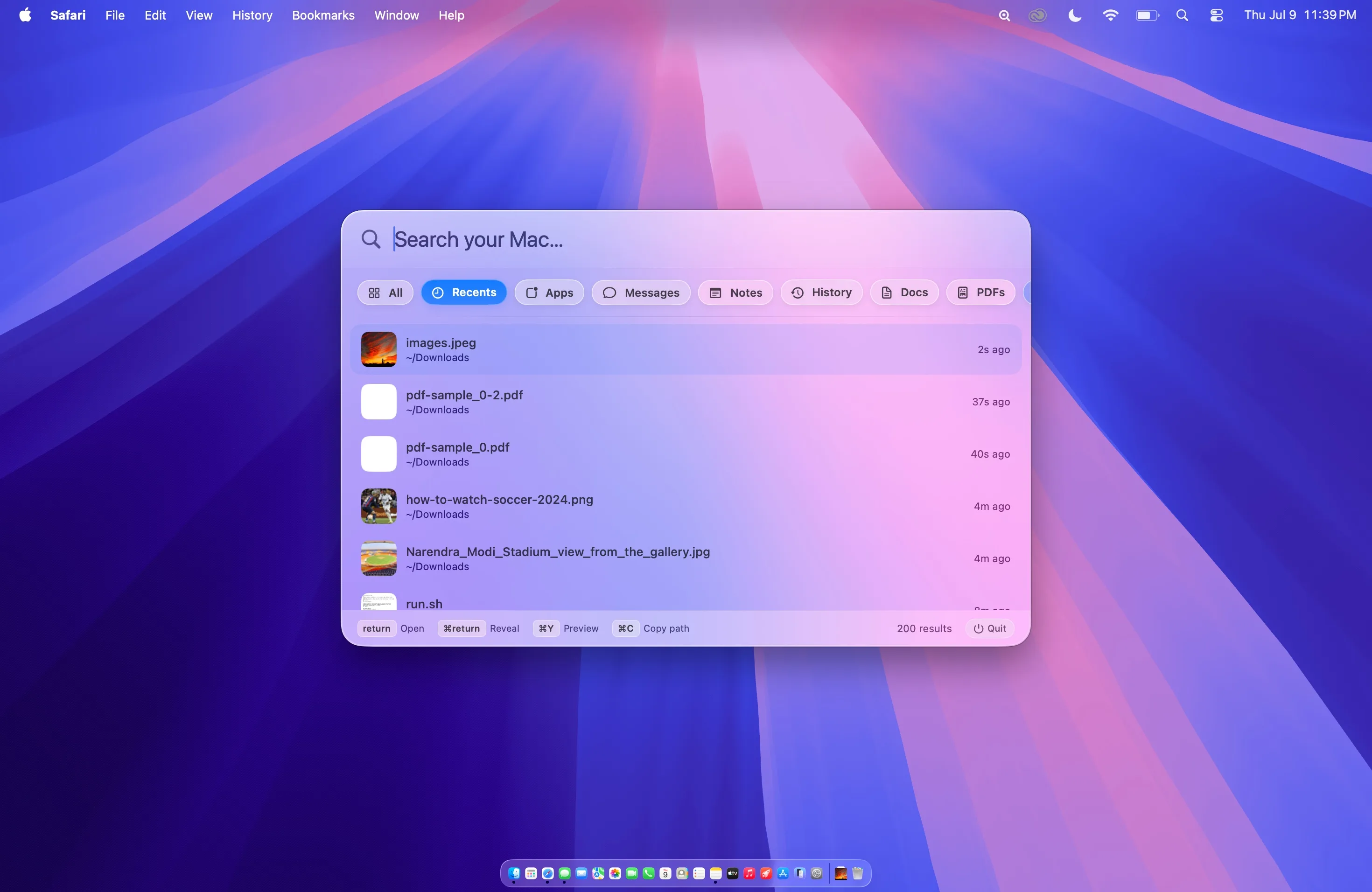
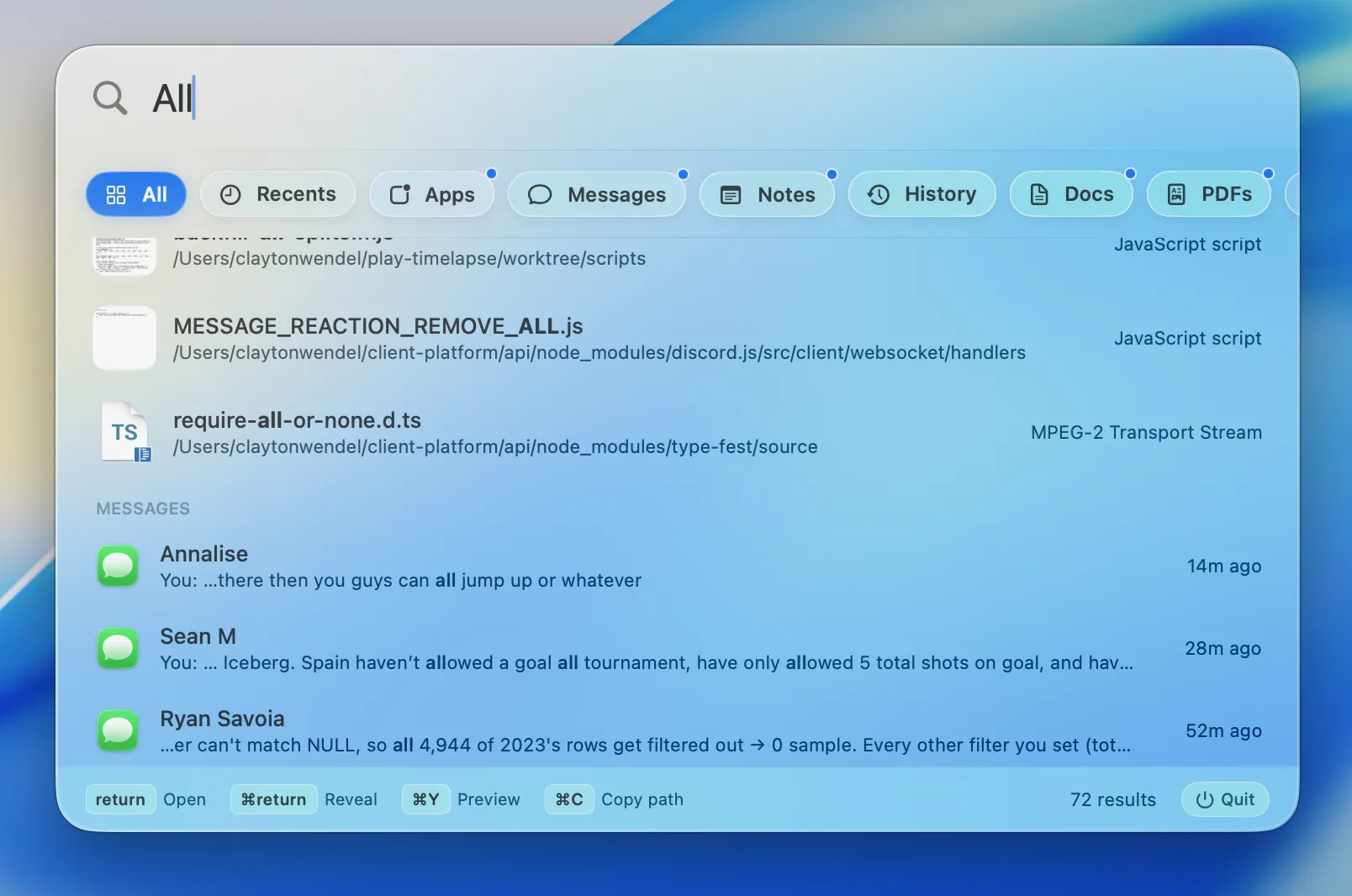
Everything, intelligently blended.
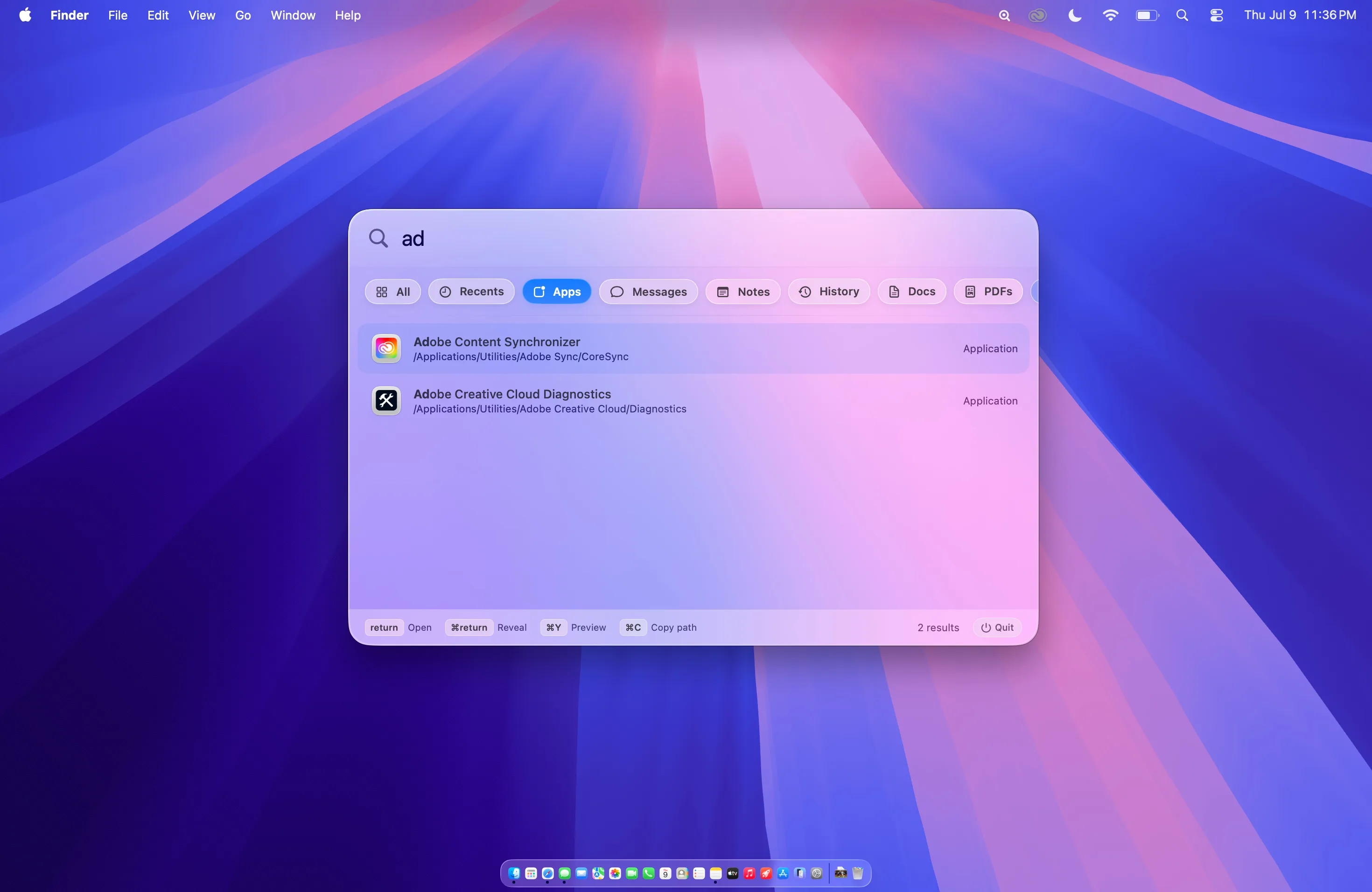
All brings files, apps, messages, notes, mail, calendar events, and connected folders into one ranked view, so the right result can surface without choosing a source first.
Focused when you need it.
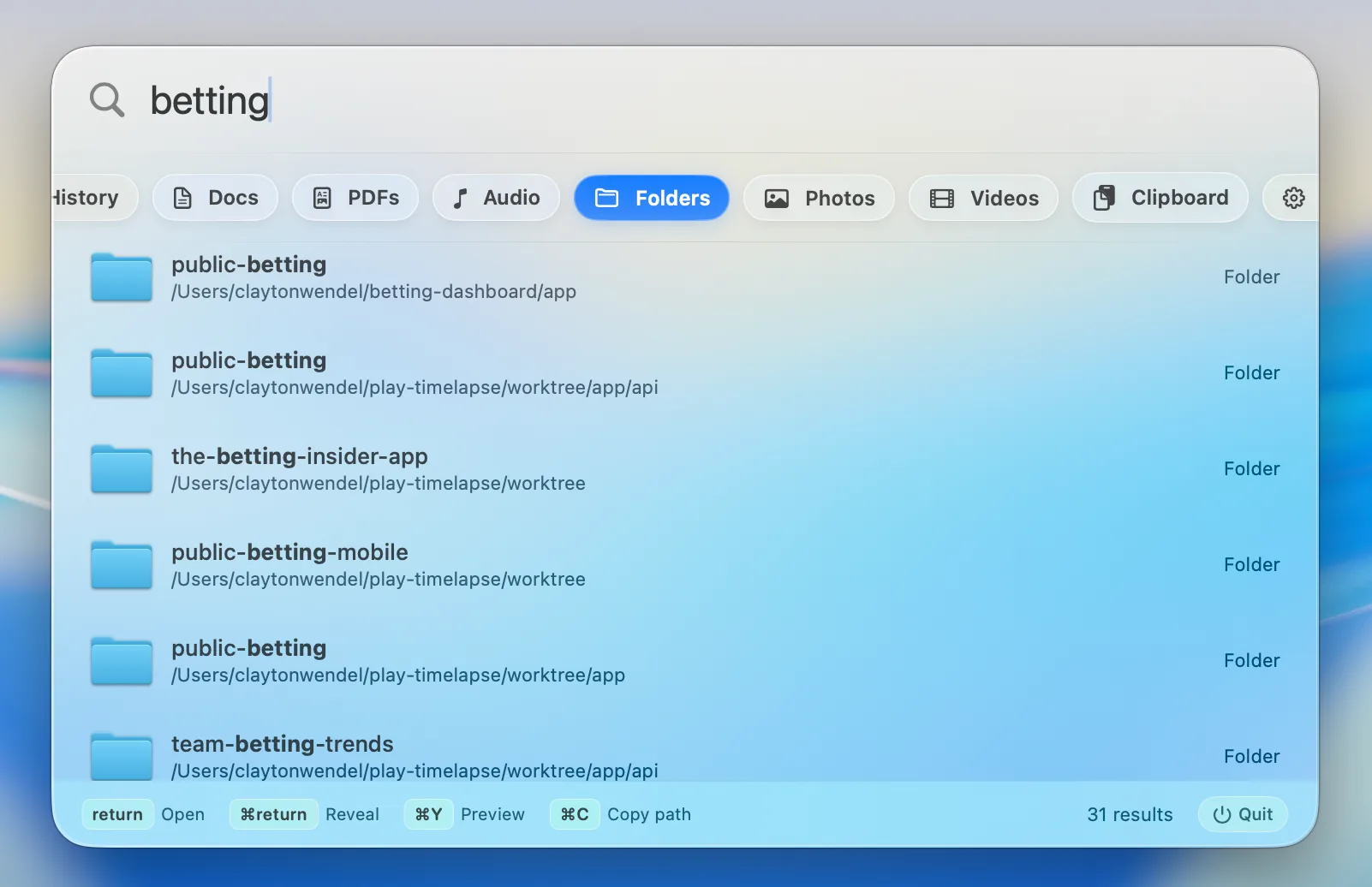
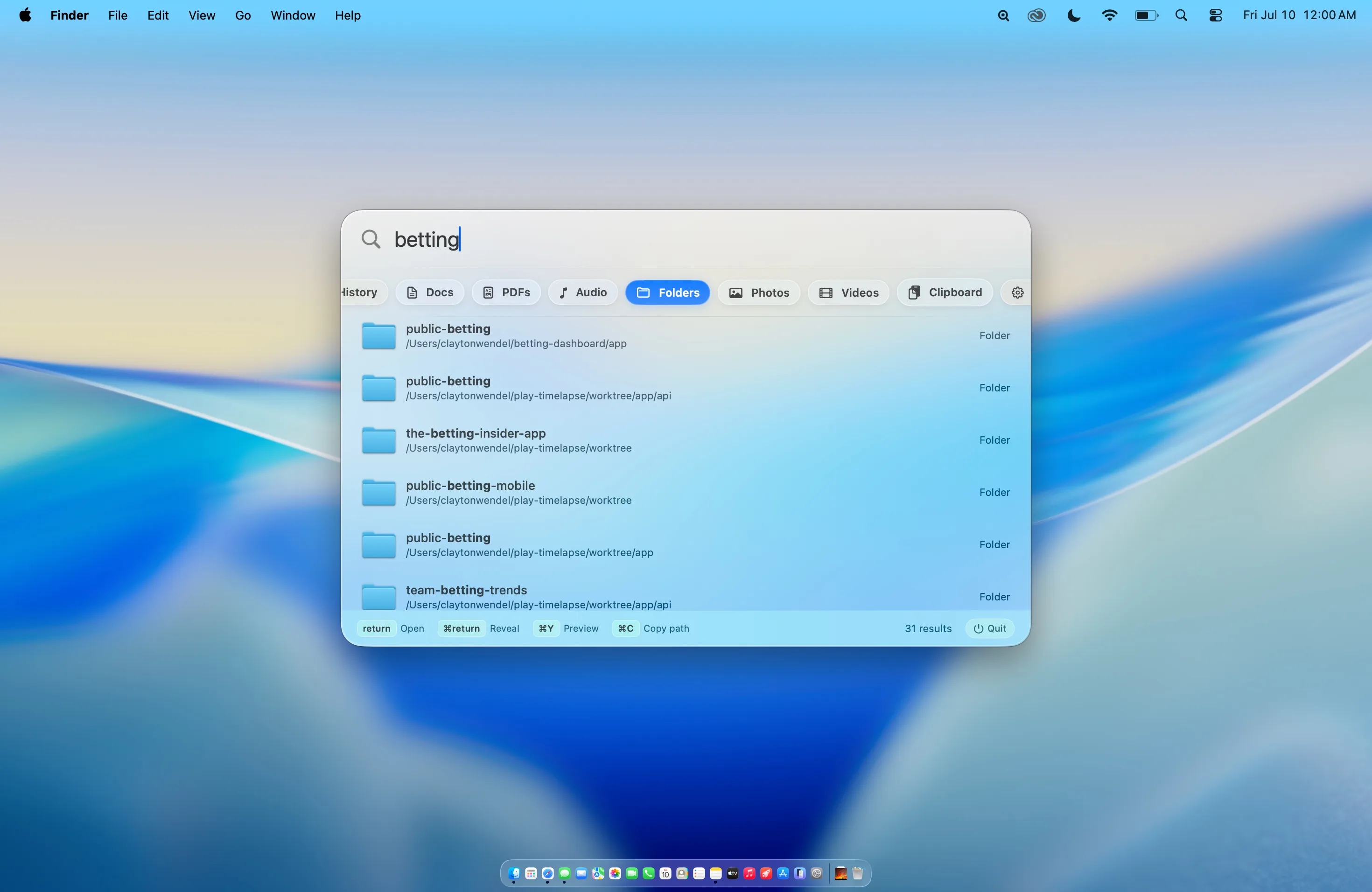
Switch to any dedicated filter with one click or cycle through them from the keyboard.
Explore every filter
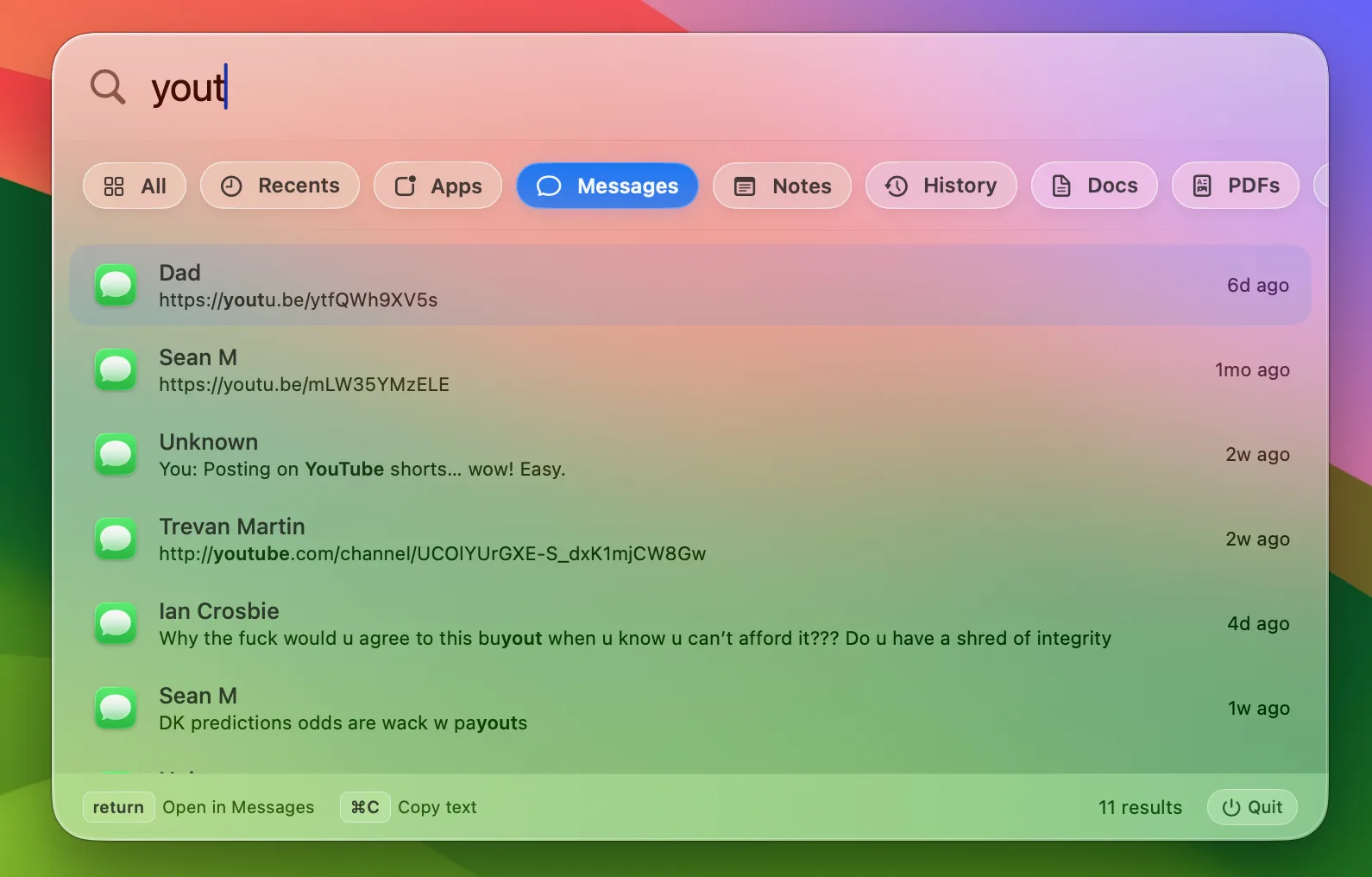
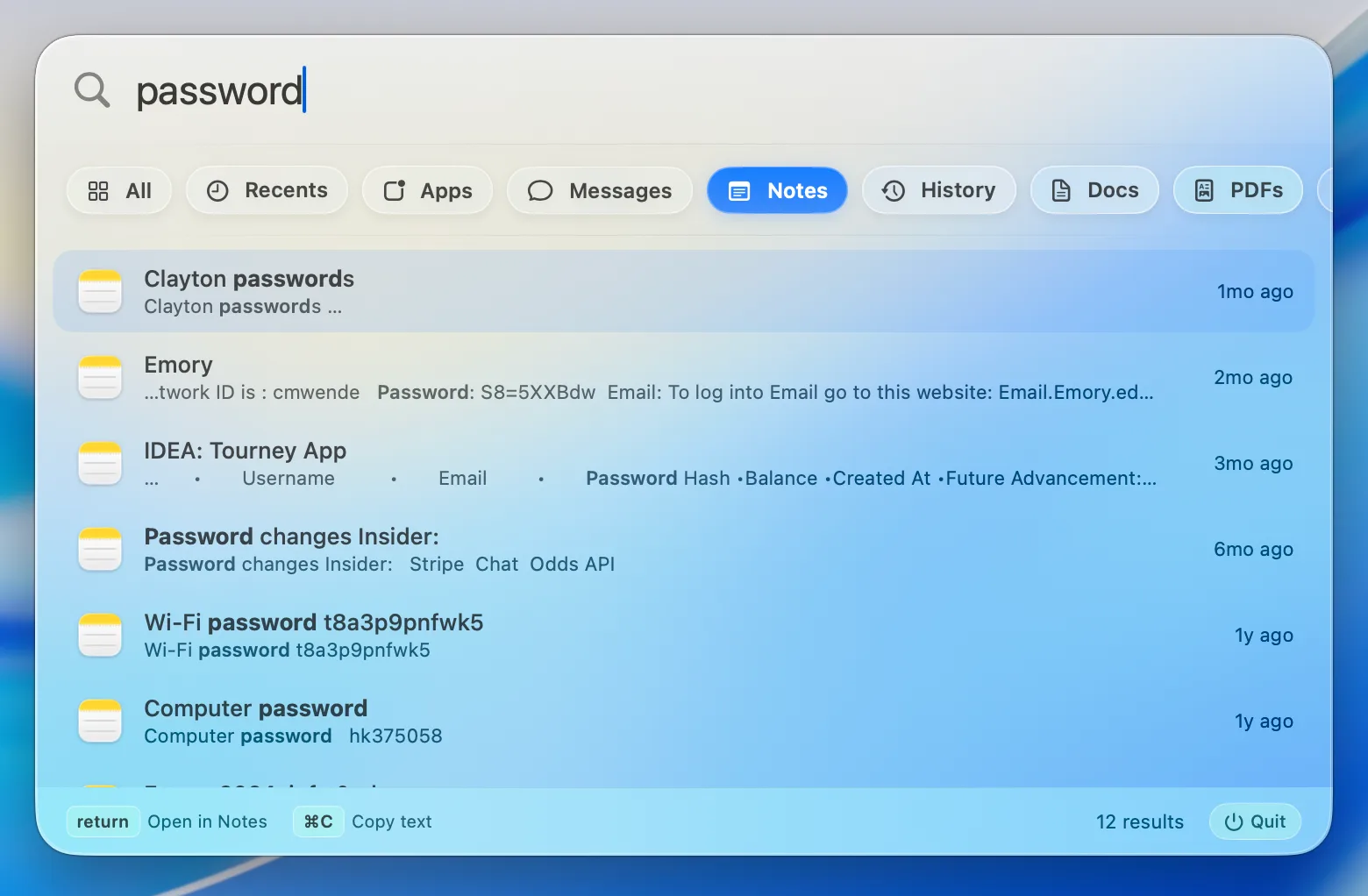
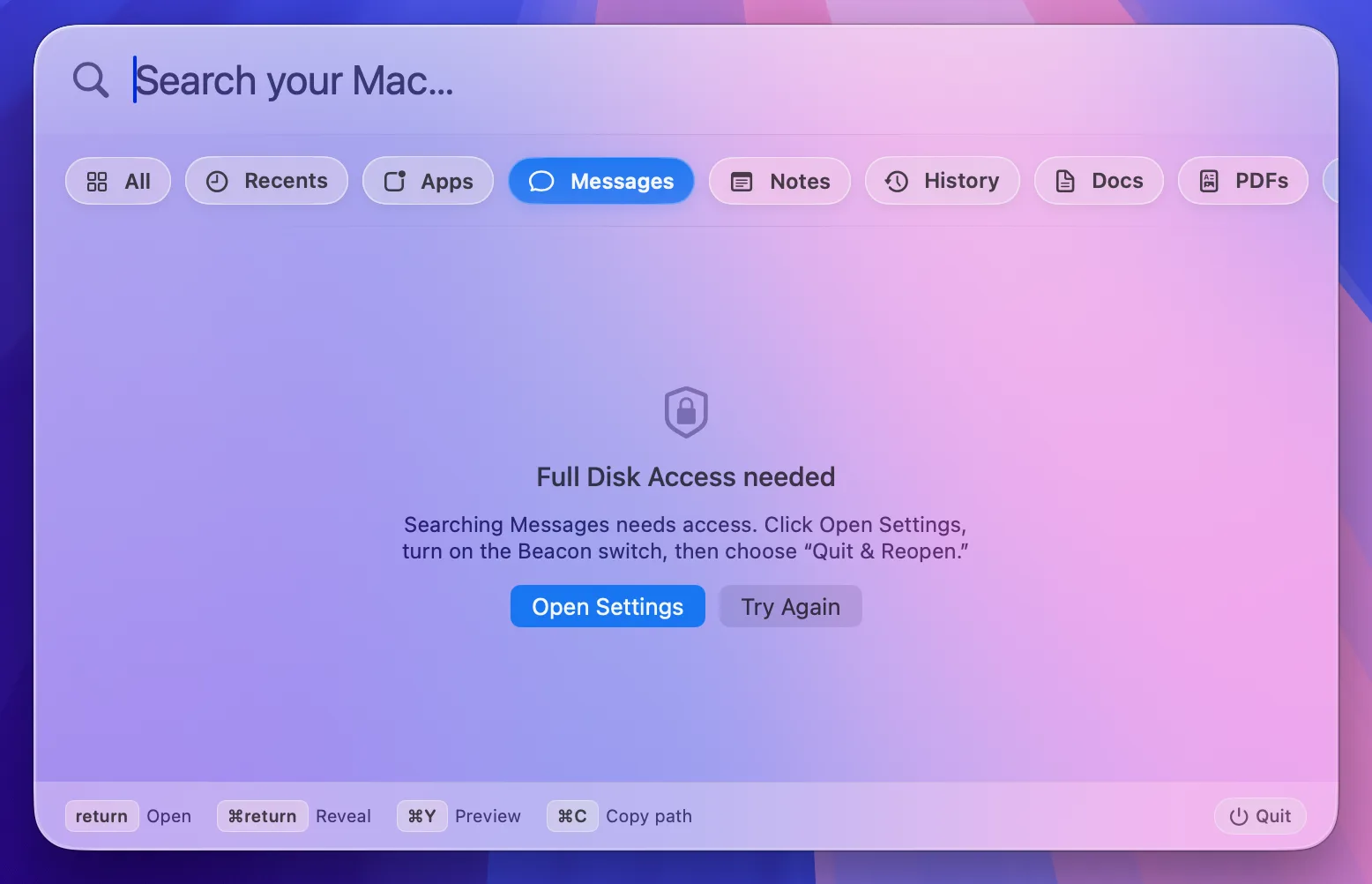
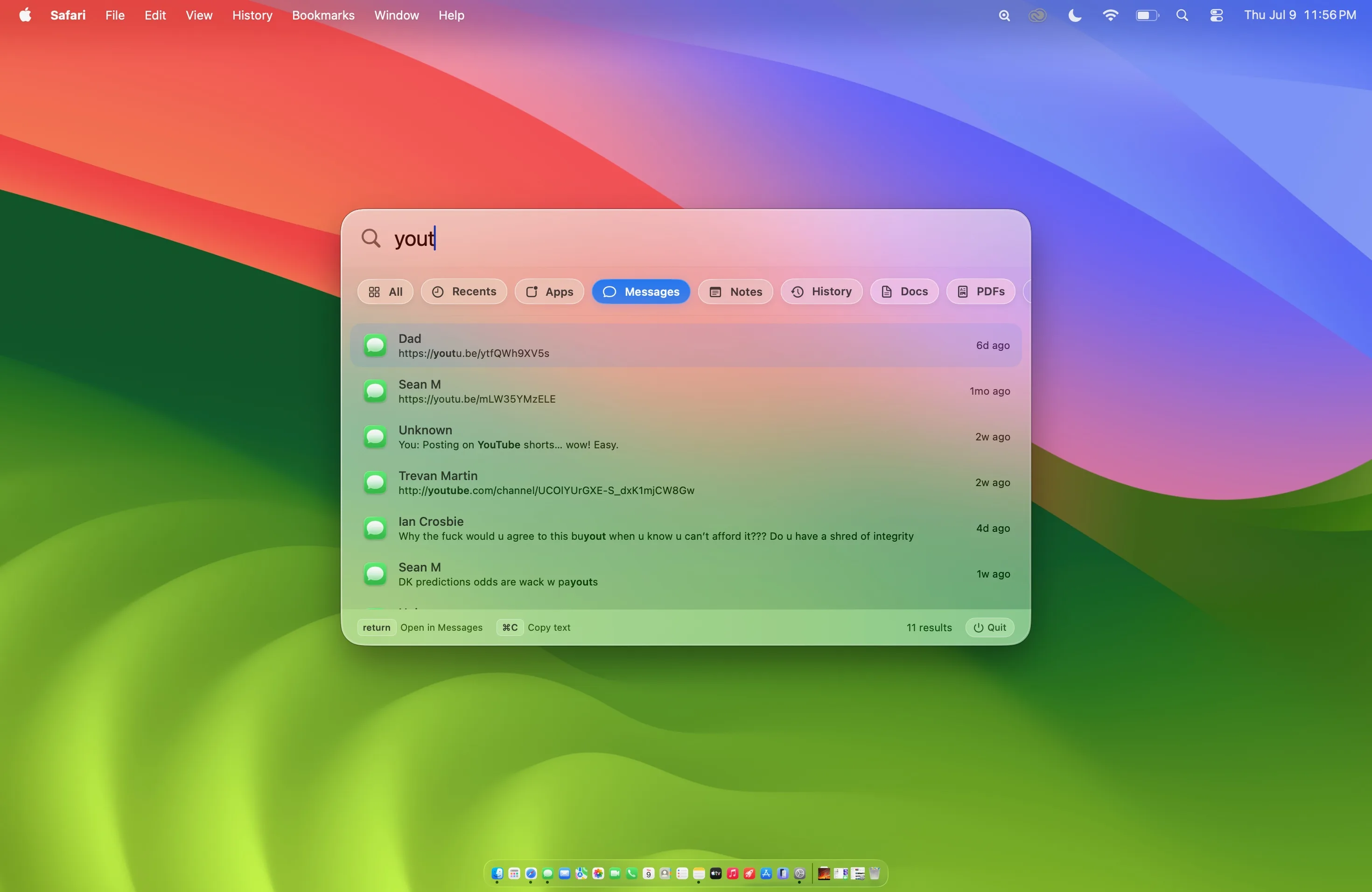
Search your text messages.
Find any iMessage or SMS by word, phrase, or contact name. Type "Mom" and get Mom's messages — not every text containing the word "mom."
Snippets with context.
Results show the contact's name, a highlighted snippet, and when it was sent. Double-click to see the surrounding thread inside Beacon, then open the conversation in Messages.
Privacy & permissions
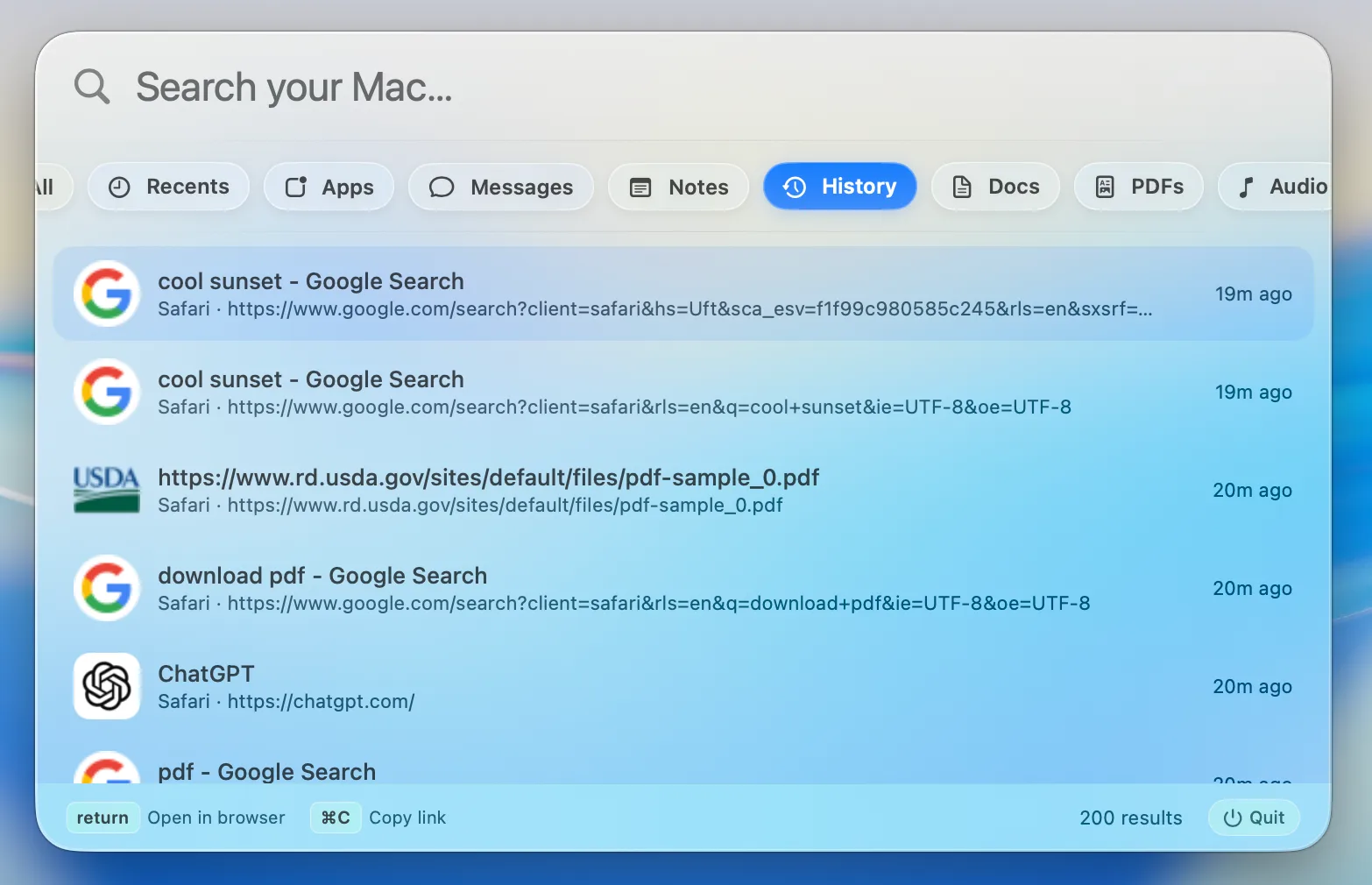
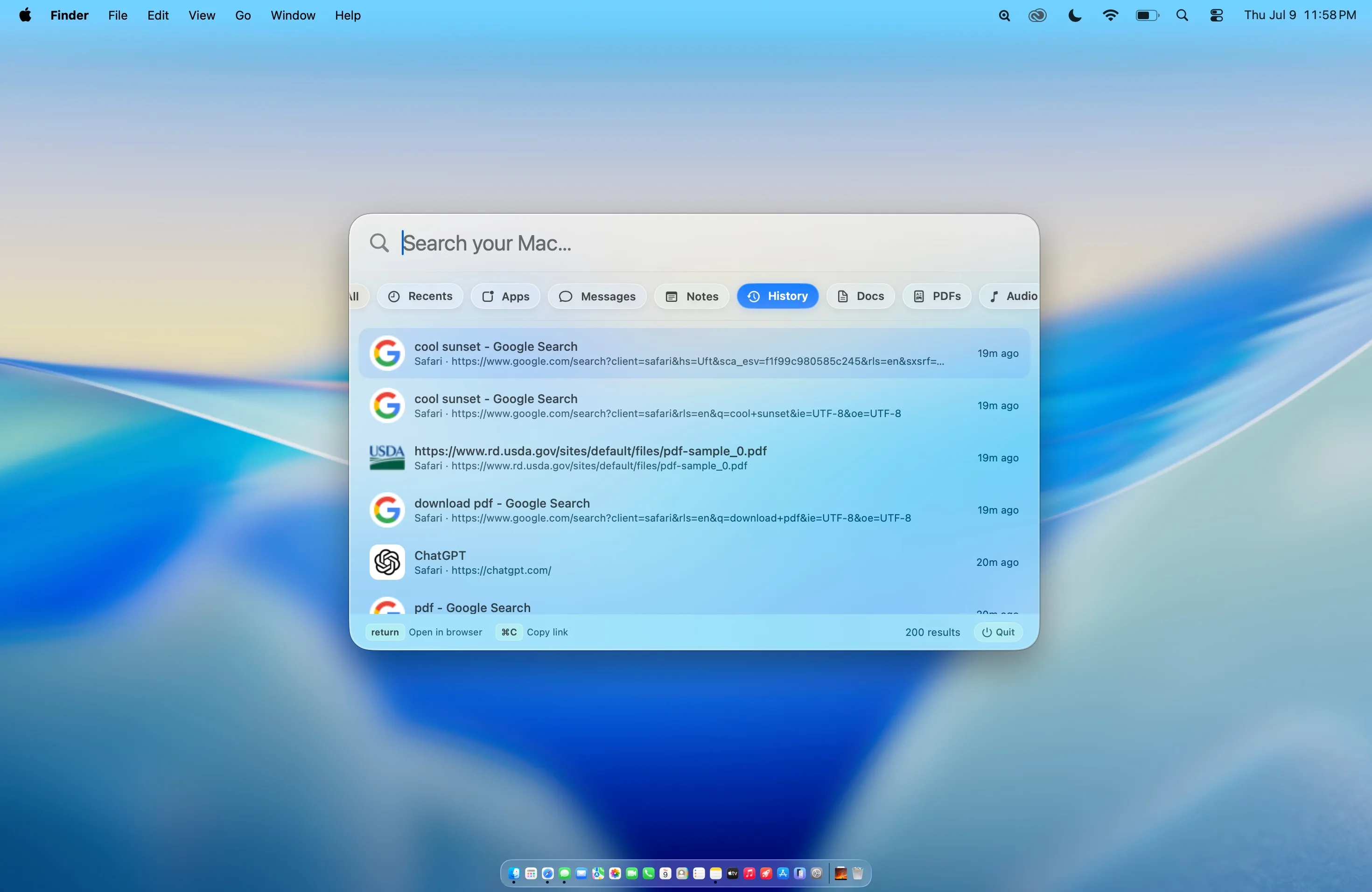
Every page you visited.
Search Safari, Chrome, Brave, Edge, and Arc history from one focused view. Favicons make results recognizable before you finish reading the title.
Open the page instantly.
Press Return to reopen a result in your browser, or ⌘C to copy its link.
Connected sources
Add more of
your digital life.
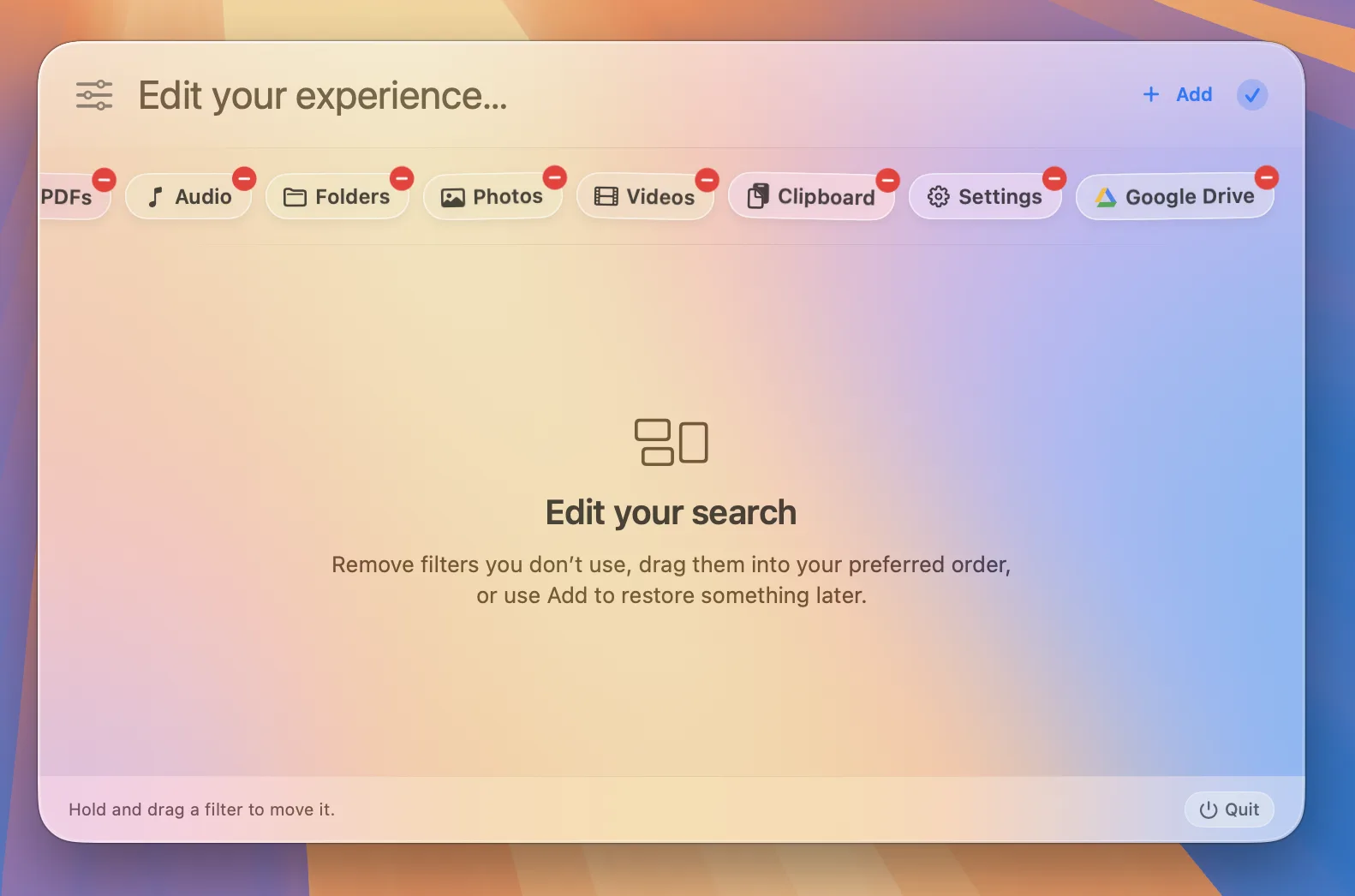
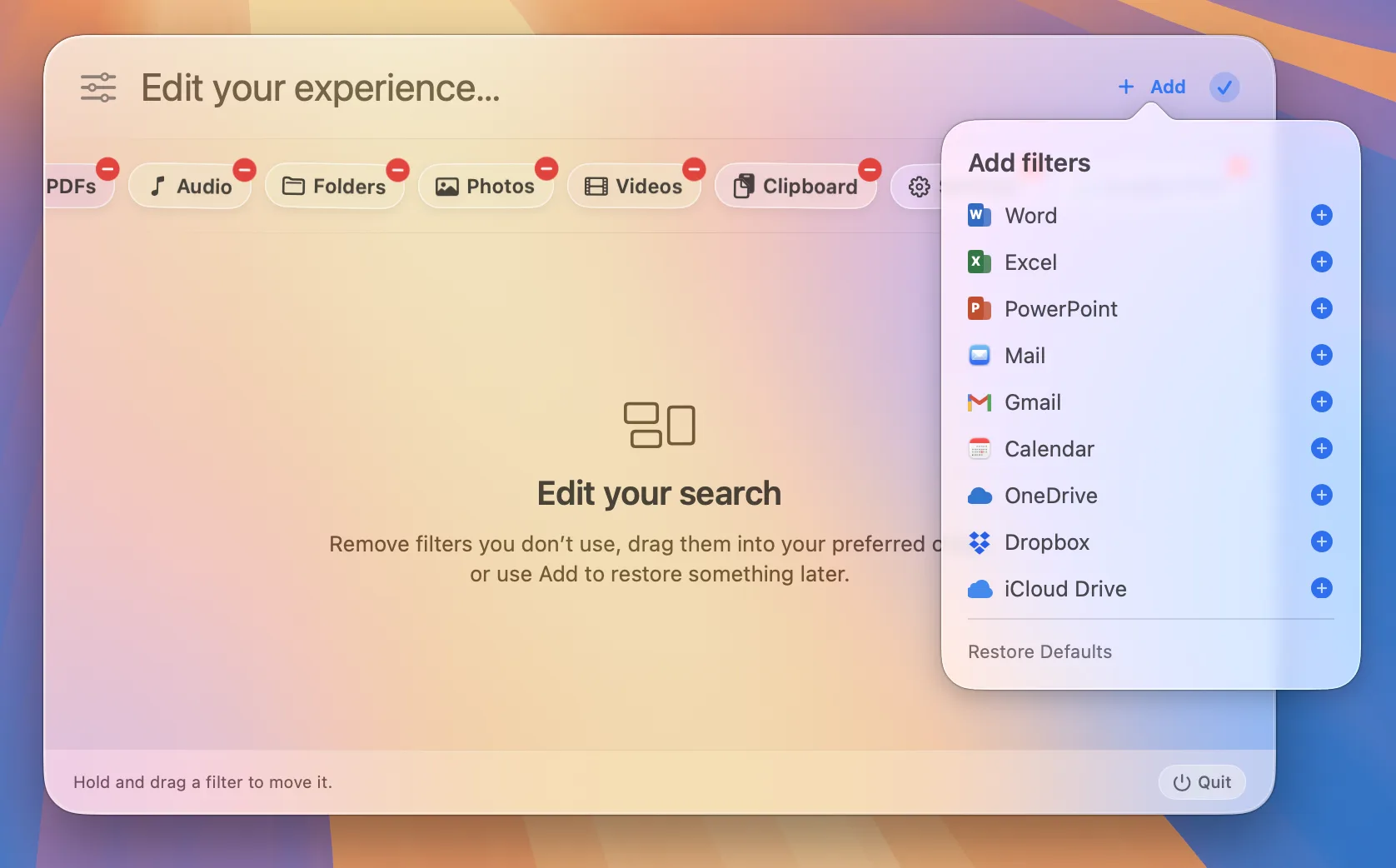
Add Word, Excel, PowerPoint, Mail, Gmail, Calendar, iCloud Drive, Google Drive, OneDrive, and Dropbox from one clean menu.
Setup without guesswork.
Cloud providers use their signed-in desktop sync app, while Gmail uses the account connected in Apple Mail. Beacon detects local setup and clearly explains what is missing.
More built in
Less hunting.
More finding.
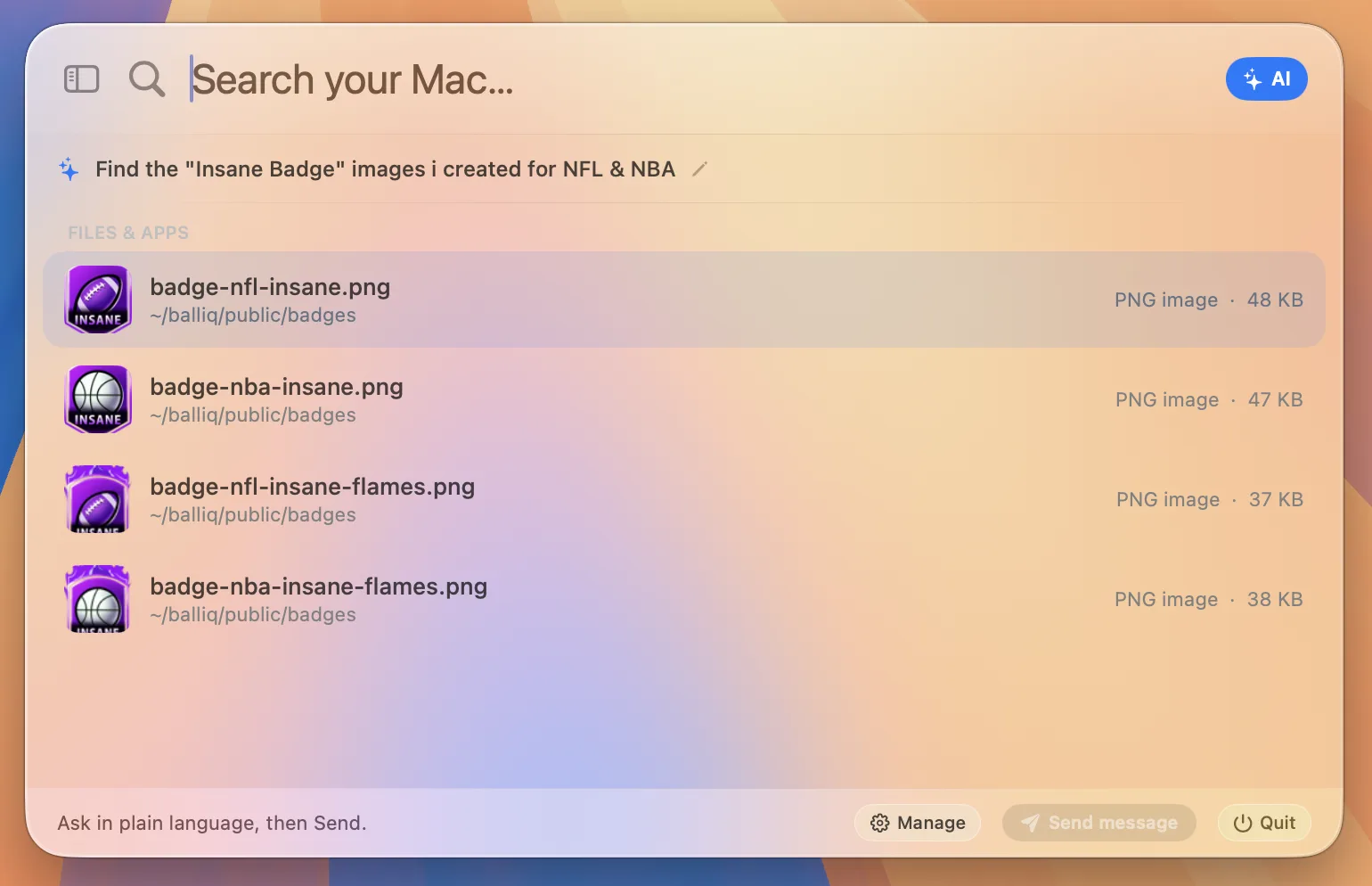
Preview files without opening them, copy paths and links, reveal results in Finder, and move through every result without leaving the keyboard.
Quick LookPreview with Space.
ClipboardRecover copied text.
System SettingsJump to any pane.
Private by designNo account or cloud index.
Available now
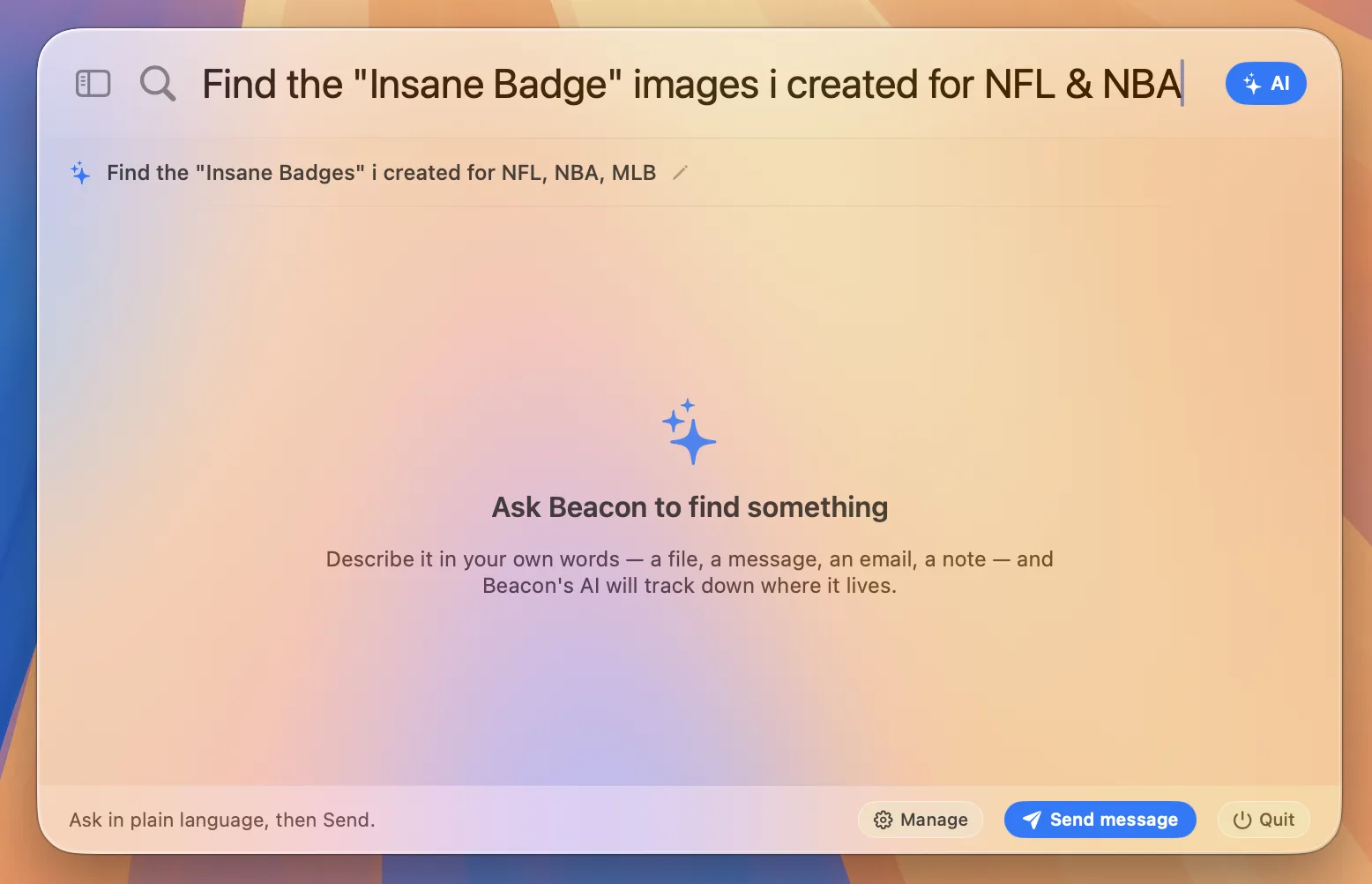
Your apps. One search.
Search Office documents, cloud folders, Mail, Gmail, and Calendar locally. Authenticated services such as Discord and Notion can come in a future update.